 c1cba5735f
- it was slightly improved how it interacted with the Last.fm api

- the source code files were reorganized for a cleaner and more organized appearance when encoding

- small graphical bugs of the interface were fixed when rendering with Swift.
5.6 KiB
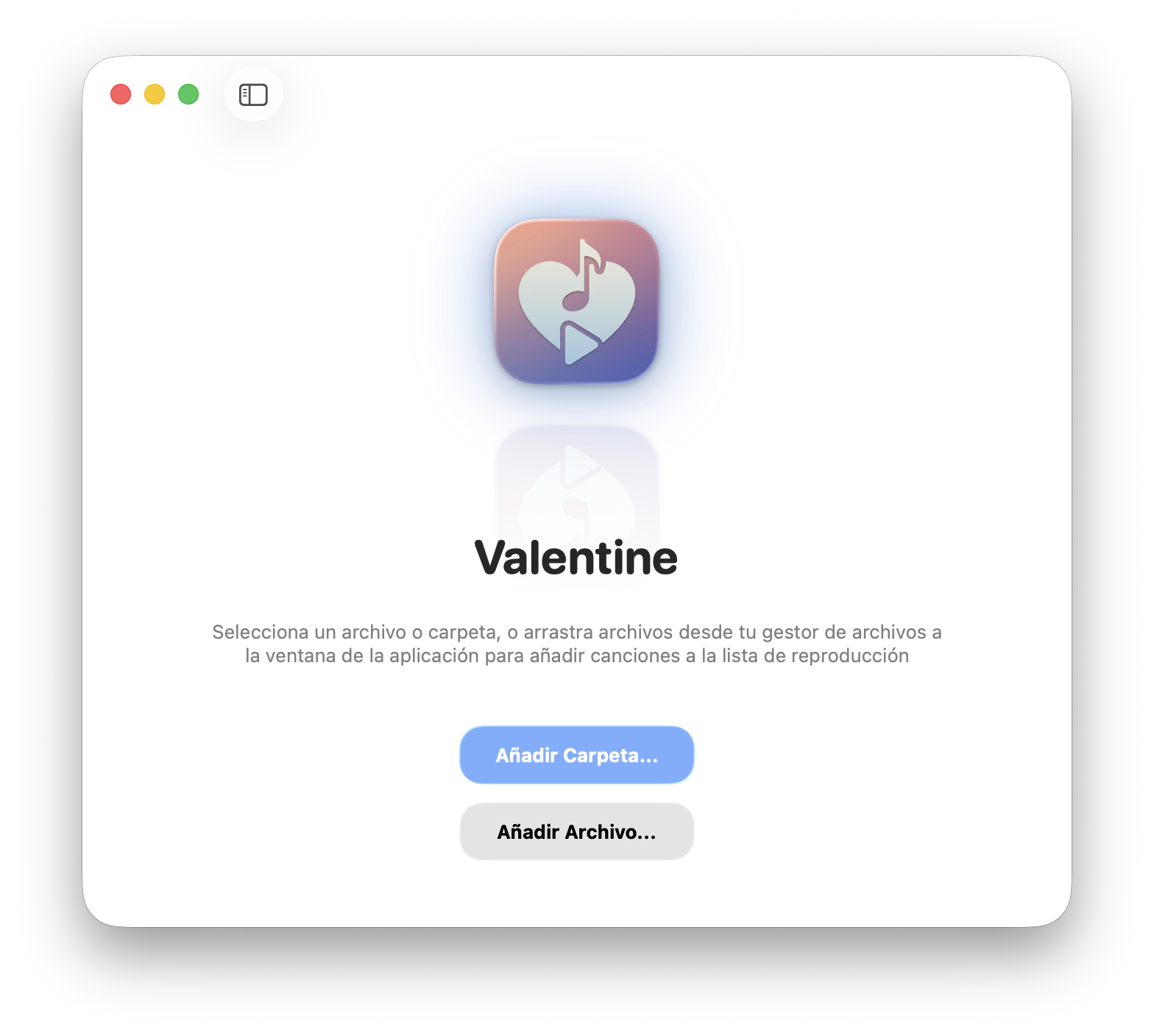
♥️ Valentine
The best local music player for MacOS
The most elegant way to listen to your music files on your Mac, with a native and intuitive interface









🌟 Overview
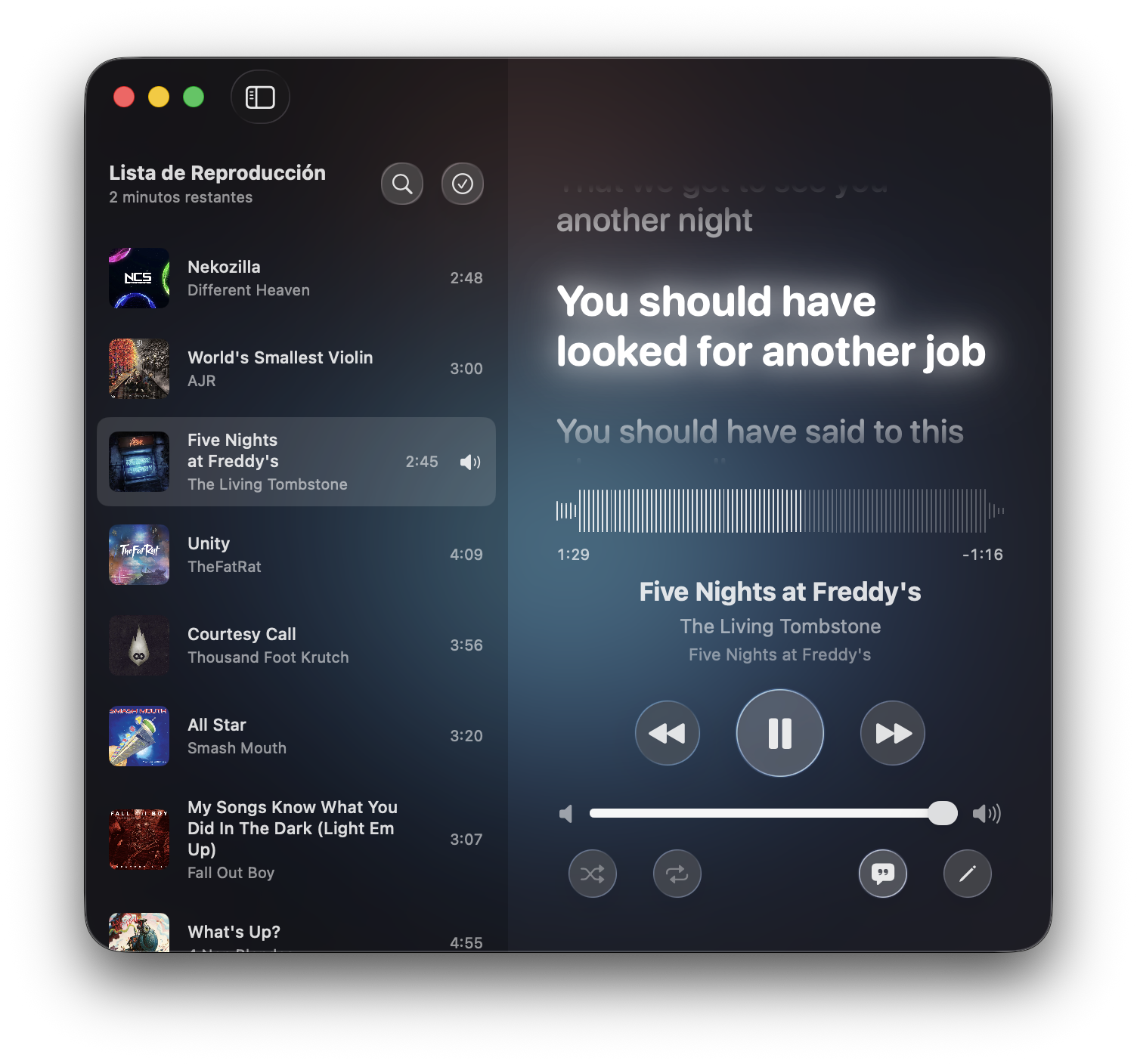
Valentine is a premium, beautifully crafted macOS application designed to play multiple files and audio formats on your Mac, all in an intuitive and modern player, with built-in lyrics support and a lyrics editor with search functions using lrclib.
Synchronized lyrics
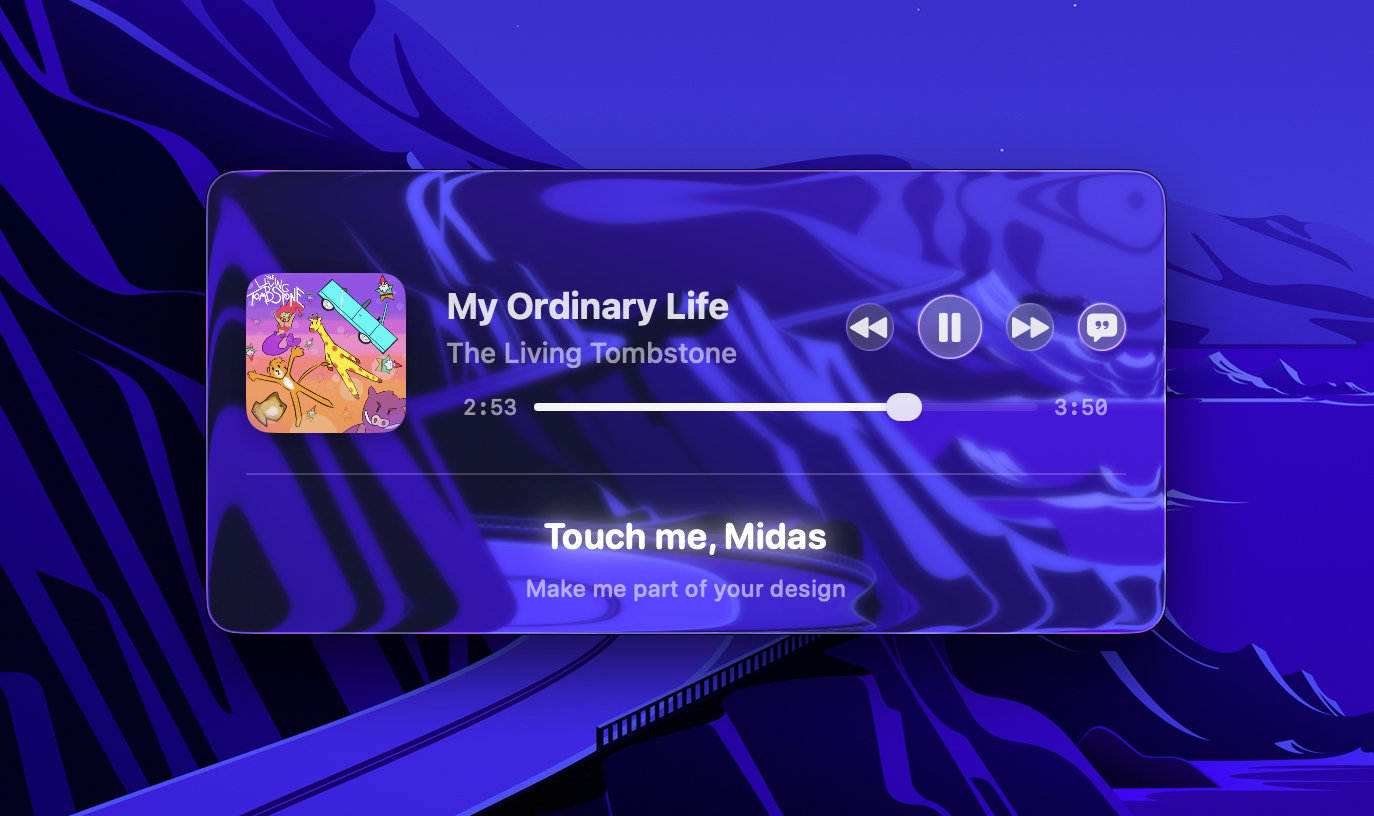
Mini-Player
✨ Key Features
- Mutagen Powered ID3 Editing: Valentine uses Python's
mutagenunder the hood to ensure robust, standard-compliant writing of metadata and lyrics directly into audio files (.mp3,.flac,.m4a, etc.). - Synchronized Lyrics Player: Watch your lyrics highlight in real time, natively parsing LRC timestamps.
- Dynamic Themes: Adapts instantly to macOS Light and Dark mode. Features vivid neon glows, customizable typefaces, and a heavy use of Glassmorphism (blur backgrounds).
- Native Media Controls: Fully integrates with macOS media keys. Control your music right from your keyboard, Touch Bar, or your AirPods.
- Drag & Drop: Seamlessly drag your audio files and folders from Finder directly into the application window to populate your playlist.
🛠️ Built With (APIs & Libraries)
Valentine is made possible by these incredible open-source projects:
- LRCLib: The open-source lyrics API used to seamlessly search and fetch precise, time-synchronized
.lrclyrics. - Mutagen: A highly robust Python multimedia tagging library used by our
MutagenInstallerServiceto inject the lyrics securely into the ID3 metadata. - AVFoundation: Apple's native framework driving the
AudioEngine, providing flawless audio playback and waveform data. - Last.fm API: Used to scrobble tracks in your Last.fm account
📦 Installation
The easiest way to install Valentine is using Homebrew. Simply run the following command in your terminal:
brew tap jesuschapman/homebrew https://github.com/JesusChapman/homebrew
brew trust jesuschapman/homebrew
brew install --cask valentine
Note: If macOS Gatekeeper blocks the app on its first launch, you can remove the quarantine flag by executing this command:
xattr -cr /Applications/Valentine.app
🚀 How to Compile
To build Valentine from source, you need a Mac running macOS Tahoe 26 or newer, and Xcode installed.
- Clone the repository:
git clone https://github.com/jesuschapman/valentine.git cd valentine - Open the Xcode Project:
open Valentine.xcodeproj - Configure the Project:
- Go to the project settings and ensure you have selected your Apple Developer ID team.
- Valentine uses Xcode 16's Synchronized Folders, so everything is ready to go out of the box.
- Note: You will need to provide your own Last.fm API Key in
Secrets.swiftfor use Last.fm api, the compilations released by me include my personal api key.
- Build & Run:
- Select your Mac as the destination.
- Press
Cmd + Rto compile and launch. (Note: The app will prompt you to install Mutagen via its UI dynamically if Python 3 is present on your system).
💖 Sponsor this project
If you enjoy using Valentine or simply want to support its continued development, please consider buying me a coffee. Your support means the world and helps keep this app maintained and free!

📄 License
This project is licensed under the GNU General Public License. See the LICENSE file for more details.